 ExpTix
Your first day with ExpTix
Sign in, set up your phone, learn 3 rules
One-page sheetFor: All staff
English Français Español Tagalog
Sign in
- 🌐 Open the ExpTix address your manager gave you.
- 🔑 Type your username and password.
- 🆕 Pick a new password. 12 characters or more. A short sentence works: “Blue canoe on the lake”.
- 🙅 Never share your password.
Put it on your phone
- 🍎 iPhone: open it in Safari. Tap Share. Tap Add to Home Screen.
- 🤖 Android: open it in Chrome. Tap ⋮. Tap Install app or Add to Home screen.
Then open ExpTix from the new icon. Tap My account. Tap Enable push alerts. Tap Send a test. 📳
The 3 golden rules
- 👀 See it, log it. Tap + New.
- ▶️ Tap when you start and finish. Start, then Resolve.
- ✍️ Write one line. “Replaced the bulb.”
Every shift
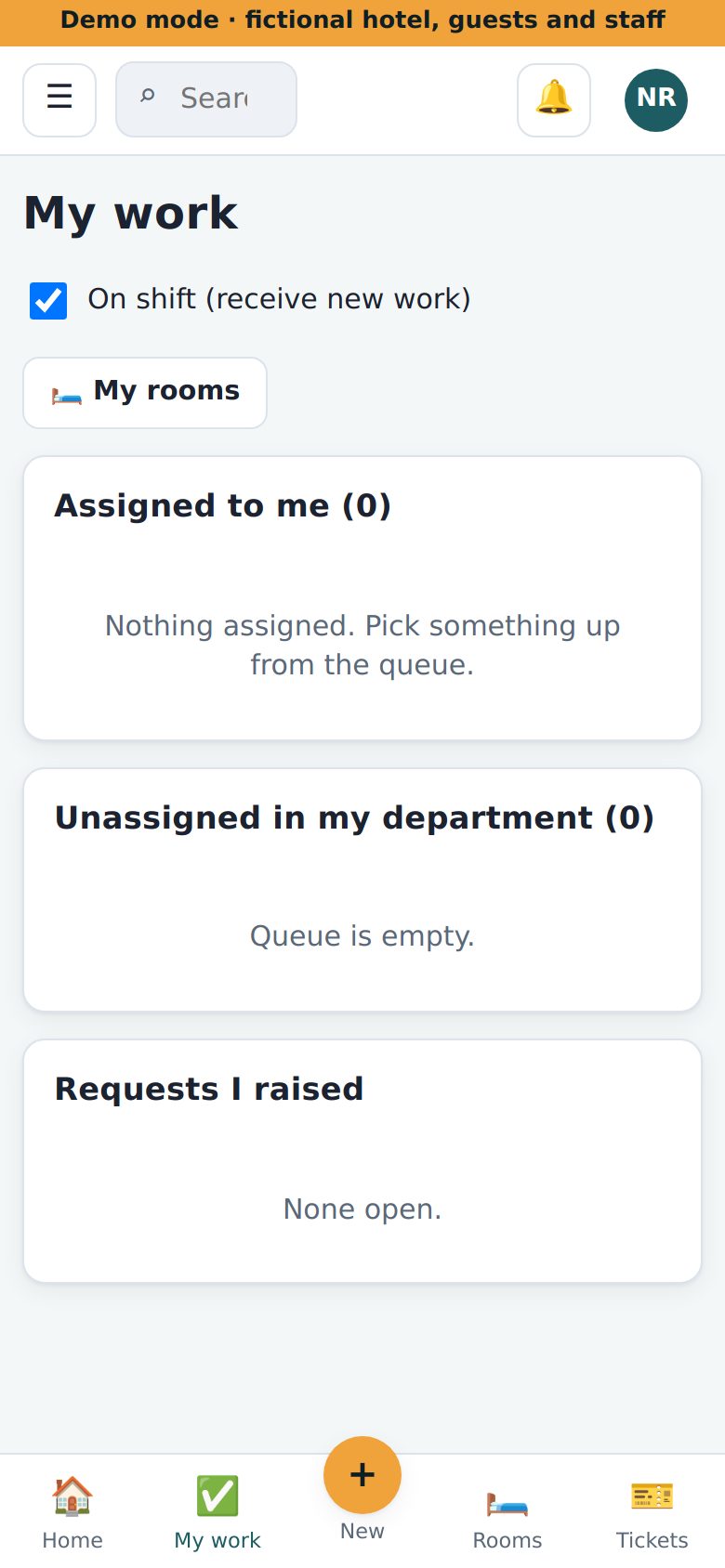
- 🟢 Open My work. Tick On shift.
- 🔔 Red number on the bell? Something new for you. Tap it.
- 😴 Going home? Untick On shift.
Ask for help
- 🙋 Ask your supervisor first.
- 📘 Tap ☰, then How-to guide.
- 🚨 Fire or danger? Call 911 first.
Why this helps you: nothing to remember, nobody chasing you, and your name is on your good work.
ExpTix · free and open-source hotel operations · moosesystems.github.io/EXPTIX