 ExpTix
Security officer
Safe first, then write it down
One-page sheetFor: Security officers and leads
Safety first
- 🚑 Make everyone safe.
- 🚨 Fire, injury or danger? Call 911. Use the radio. Follow the hotel plan.
- 📝 Then write it in ExpTix.
Incident report
- ☰ Tap the menu. Tap Incident reports.
- ➕ Tap + New.
- 🕒 Pick the type. Say when and where.
- 👥 Write what happened, who was there and what you did.
- 📷 Add photos.
- 💾 Save it right away, while you remember.
Key control
- ☰ Tap Key control. Tap + New.
- 🔑 Write the key, who took it and when.
- ↩︎️ It came back? Open it. Fill in Returned.
Lost and found
- ☰ Tap Lost and found. Tap + New.
- 🧳 Say what it is, where you found it and the room.
- 🗄️ Put it in the safe place.
Do a job
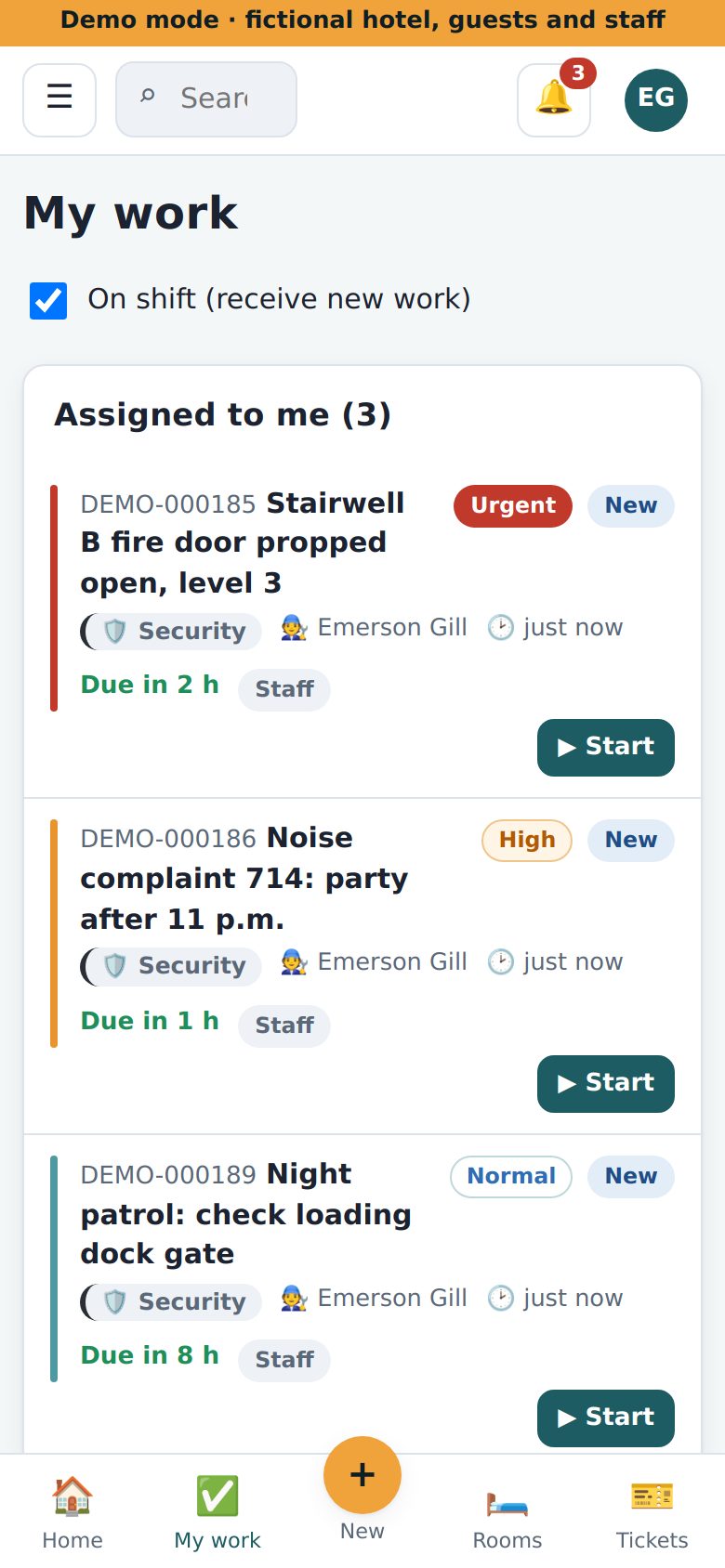
👆 Tap the job. Tap Start. Then Resolve and write one line.
If something is wrong
- 🙈 No Key control in your menu? Ask your manager for access.
- 😕 Stuck? Ask your lead.
Why this helps you: a clear report protects you, the guest and the hotel when insurance or police ask.
ExpTix · free and open-source hotel operations · moosesystems.github.io/EXPTIX