 ExpTix
IT administrator
Keep it running, keep it safe, keep it backed up
One-page sheetFor: The person who runs ExpTix: hotel IT or your IT provider
What you own
The install, the users, the links to other systems, the backups and the updates. For installing ExpTix, read the deployment guide. This sheet covers running it.
Your first week
- Sign in as the first administrator, change the temporary password and turn on MFA in My account.
- Work through the deployment guide’s security checklist before real
guest data goes in. Make sure
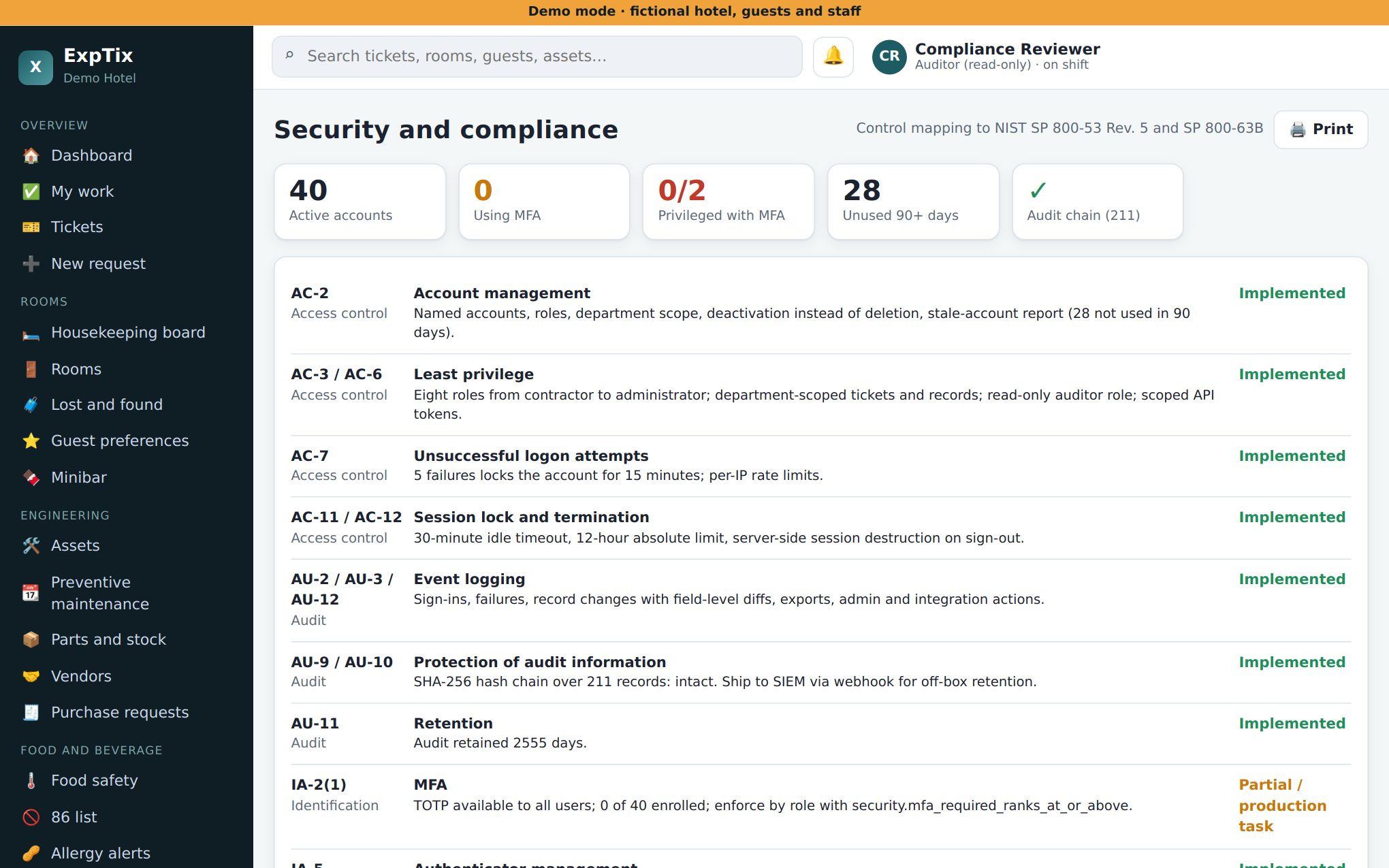
demo_modeis off. - Set MFA as required for managers and up
(
security.mfa_required_ranks_at_or_aboveat 70 or lower). - Check the cron job runs every minute. Without it, SLA timers and alerts stall overnight.
- Schedule the daily backup and copy it off the server. Test a restore once.
- Print Room QR codes: pick a floor, Print. Add public areas such as the lobby, pool and gym.
People
- Add a person: Users, + New. Name, username, role, department (and extra departments if they float). Copy the temporary password and hand it over in person. It is shown once.
- Forgot password: open the user, Reset password.
- Locked out after 5 wrong tries: Unlock, or they wait 15 minutes.
- Lost phone: Reset MFA.
- Someone leaves: untick Active. Never delete people, so their history stays.
- Give each person the lowest role that does the job. Use Auditor for anyone who only needs to look.
Integrations
- Start every integration in Mock mode. It behaves like the other system without credentials.
- Enter the vendor’s details, switch Mock to Live, Save. Secrets are encrypted and never shown again.
- Set a webhook secret on every integration with an inbound URL.
- Opera Cloud and Canary are beta and not yet tested against live systems. Pilot them carefully, with the vendor’s help.
- Email, SMS (Twilio), Teams, Slack and webhooks are set up as notification channels. See the deployment guide.
API and MCP
API and MCP: name the token, pick who it acts as, tick scopes (read, write, mcp, admin), set an expiry, Create token. It is shown once. A token acts with that user’s role, so make a dedicated user with the least role an assistant needs. Everything it does is logged under its token.
Weekly and monthly
- Check the backup ran and the copy left the server.
- Run Verify integrity on the Audit log, or schedule the weekly audit check.
- Review Users: anyone who left still Active?
- Review API tokens: revoke the ones nobody uses.
- Apply security updates to PHP, the web server and the database.
Check PHP with
cli.php check-phpor control SI-2 on Security and compliance.
Updates
Read CHANGELOG.md, take a backup, pull the new code, run
migrate, reload PHP. migrate never drops
anything, so it is safe to repeat. Full steps are in the deployment
guide.
Honest limits
- No single sign-on yet (Entra ID and Google are on the roadmap). Accounts live in ExpTix.
- No vendor support contract. You, your IT provider or the community support it.
- Back up
app.keyseparately. Without it, saved integration secrets cannot be read.
ExpTix · free and open-source hotel operations · moosesystems.github.io/EXPTIX