 ExpTix
Department manager
Set the rules once, ExpTix follows them every shift
One-page sheetFor: Executive housekeeper, chief engineer, F&B manager, chef, front office manager
What you get
- Jobs that route to your team from plain words, with the right priority and timer.
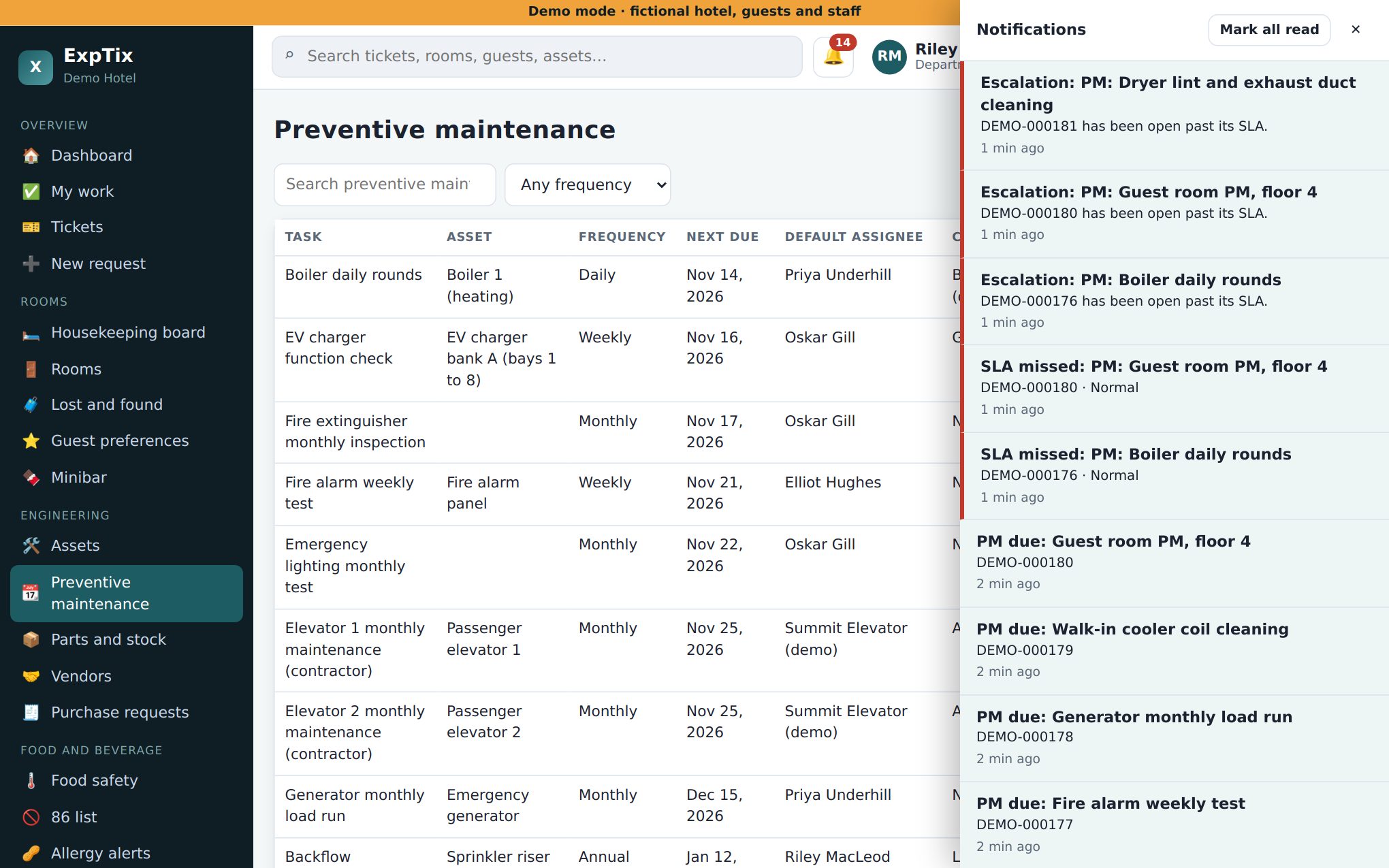
- Checklists, preventive maintenance (PM) and vendor paperwork warnings that run on schedule.
- A full history per room and per machine: labour minutes, parts cost and repeat problems.
- Purchase requests with a record of who approved what, and when.
Your first week
- Request categories: review the quick-pick buttons for your department. For each one set the department, ticket type, default priority, SLA policy, checklist and the auto-route keywords (comma separated, for example “leak, drip, toilet, tap”). Tick Show on guest QR portal only for things guests may ask for.
- SLA policies: read the targets (the demo starts at Critical 5 min response and 60 min resolve, Normal 30 and 480). Decide what fits your team and send changes to your GM. In ExpTix, only the GM or administrator can save SLA policies.
- Checklist templates: one step per line. Start a line with ## for a heading. Build your room inspection, opening and closing checks first.
- Assets and PM schedules (Engineering, Kitchen, Laundry): add your key machines, then a PM schedule for each. ExpTix opens the jobs when they come due.
- Vendors: add insurance and WCB expiry dates. ExpTix warns you before they run out.
- Notification rules: decide who hears about what (event, department, minimum priority, channel, who). Your GM or administrator saves the rules.
- Type a few test jobs in plain words and check they land with your team.
Your weekly rhythm
- Approve or reject Purchase requests. Add a PO number when you order.
- Reports for 7 and 30 days: response and resolve times, SLA misses, PM on time, costly machines, repeat-problem rooms.
- Read service recovery on complaints: what was given back and what it cost.
- Jobs landing in the wrong place? Add or remove keywords.
Numbers to watch (in Reports)
- SLA misses by priority. A target missed every week is either a staffing problem or the wrong target.
- PM generated, completed and completed on time.
- Top assets by job count, labour and parts. This is your replace-or-repair list.
- Out-of-range temperature readings (Kitchen).
Decisions you own
- Categories, keywords, default priorities and checklists for your department.
- PM schedules, assets, parts, stock levels and vendors.
- Approving purchase requests.
- Proposing SLA targets and notification rules to the GM.
Honest limits
- ExpTix has no spending limits on approvals. Any department manager or higher can approve a purchase request. Put your approval limits in writing.
- Routing only matches your keywords. A job with no match goes to the front office to sort out, at Normal priority. Tune keywords in the first month.
- The screens are in English only today.
ExpTix · free and open-source hotel operations · moosesystems.github.io/EXPTIX