 ExpTix
Contractor
Your jobs, your record, faster sign-off
One-page sheetFor: Outside trades and service companies
Sign in
- 🌐 Open the ExpTix address the hotel gave you.
- 🔑 Type your username and password.
- 🆕 First time? Pick a new password. 12 characters or more.
Do your job
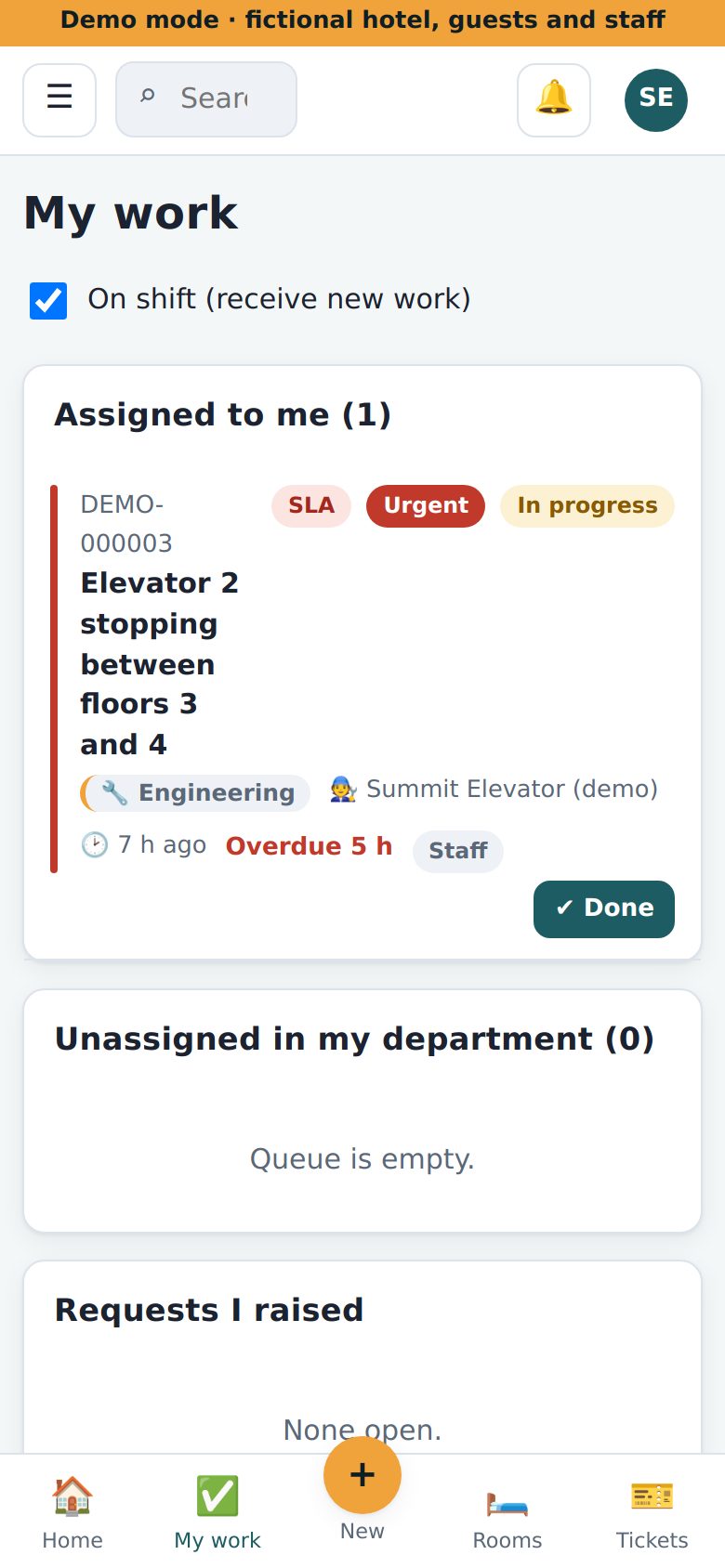
- ✅ Open My work.
- ▶️ Arrive? Tap Start.
- 📷 Tap Add photo or file. Add a photo before you start.
- 🛠️ Do the work.
- 📷 Add a photo after.
- ⏱️ Under Log time and parts, type your minutes. Tap Log. Add parts.
- ✔️ Tap Resolve. Write what you did.
What you can see
- 👀 Only jobs given to you or your company.
- 🚫 No guest names. No other teams’ jobs.
If something is wrong
- ⏸️ Need a part? Tap On hold. Say why.
- 🙈 Cannot see your job? Call your hotel contact.
- 😕 Cannot sign in? After 5 tries, wait 15 minutes.
- 🚨 Danger? Call 911 first.
Why this helps you: a clear record of time, parts and photos means the hotel signs off faster and pays faster.
ExpTix · free and open-source hotel operations · moosesystems.github.io/EXPTIX