 ExpTix
CFO and finance
What it costs to run, where the value shows up, how to measure it
One-page sheetFor: CFOs, controllers and finance directors
Recommendation
Run a 90-day pilot, measure it with ExpTix’s own reports, and decide on the numbers you collect. Do not budget on promised savings: there are none in this sheet.
Total cost of ownership
There is no licence fee and no per-user or per-room charge. You still pay for:
- Hosting: any ordinary PHP host. A small property fits on low-cost shared hosting; a large one wants its own server with MySQL.
- Setup time: someone enters departments, rooms, categories, SLAs, checklists, assets and users. The time grows with the size of the property: a small lodge is quick, a large hotel needs a planned project.
- Training: short for frontline staff, longer for managers who set the rules.
- Support: there is no vendor support contract. Budget for your own IT, an IT provider, or community help.
- Security work before go-live: the deployment guide asks for a vulnerability scan or penetration test before real guest data goes in.
Where cost and value show up
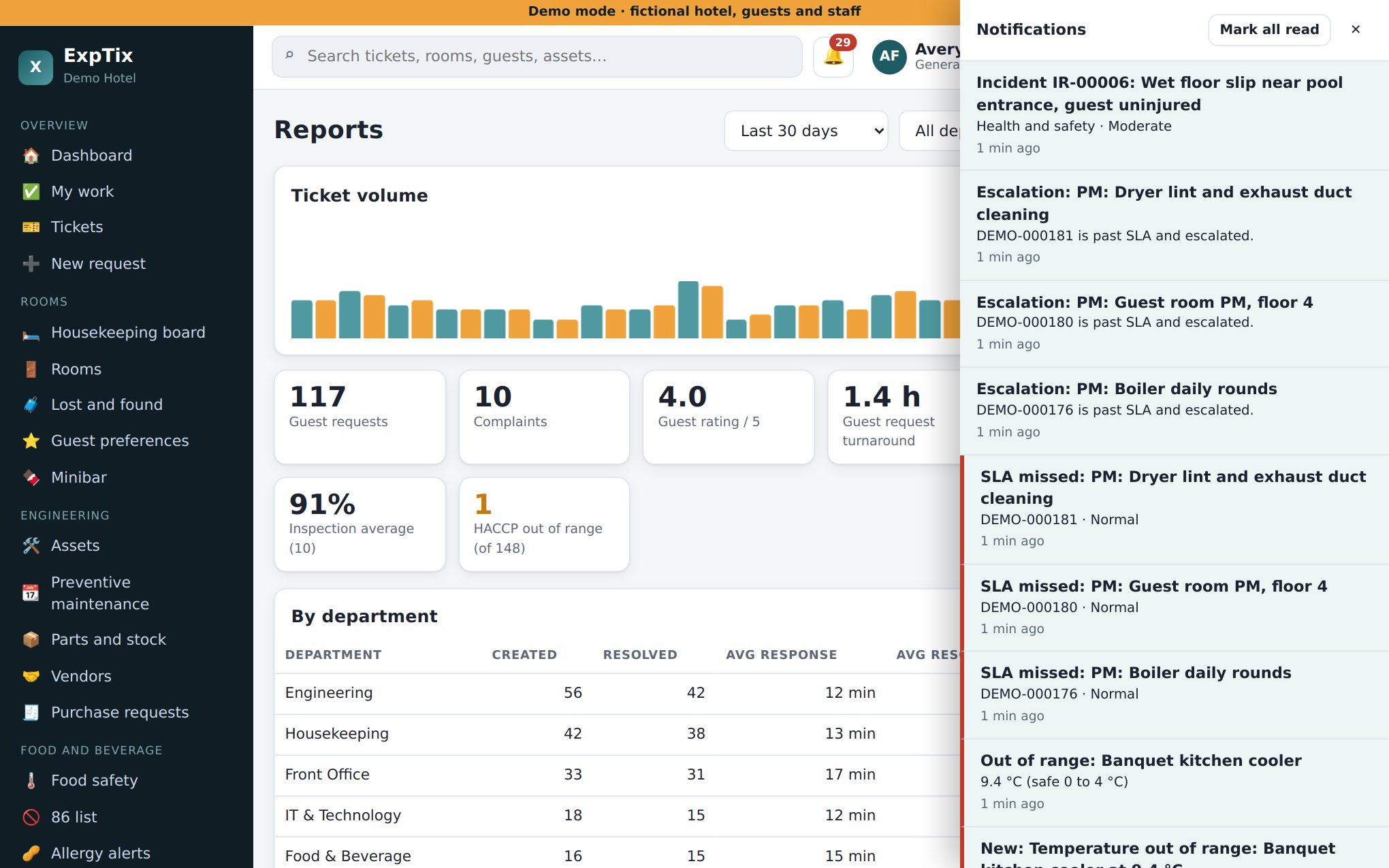
| What | Where in ExpTix |
|---|---|
| Labour and parts per job | Each job’s Log time and parts |
| Labour and parts per machine | Reports, costly machines; each asset’s history |
| Service recovery cost | Reports, guest section (total given back) |
| Repeat-problem rooms | Reports, repeat-problem rooms |
| PM compliance | Reports, PM generated, completed, on time |
| Food safety catches | Reports, readings and out-of-range count |
| Spending | Purchase requests: amount, approver, date, status |
Labour is recorded in minutes. Multiply by your own loaded hourly rate. ExpTix does not value food: count the out-of-range readings that were caught and price each with your own cost of a lost cooler.
Measuring ROI over 90 days
- Before go-live, write down your baseline: complaint count, comp and refund spend, emergency repair spend, and any food loss.
- Pilot one or two departments for 90 days.
- Pull Reports at 30, 60 and 90 days and export the ticket list to CSV for your own spreadsheet or BI tool.
- Compare: response and resolve times, SLA misses, recovery cost, repeat rooms, PM on time, costly machines.
- Decide with your GM whether to extend to every department.
Risk and controls
- Audit log: every sign-in and change, hash-chained. Verify integrity proves nothing was altered. Kept 7 years by default.
- Roles: eight roles; staff see only their department. Read-only Auditor accounts for reviewers.
- Approvals: purchase requests record who approved and when. ExpTix has no dollar limits, so write your approval policy down.
- Ticket list exports are logged.
The licence (AGPL v3) in plain English
- Free to use, change and share, including commercially.
- Using it unmodified, even for staff and guests: keep the copyright and licence notices. That is the obligation.
- If you change the code and let people use your changed version over a network, you must offer those users your changed source code under the same licence.
- No warranty.
ExpTix · free and open-source hotel operations · moosesystems.github.io/EXPTIX